A Guide to Implementing SPF and DKIM
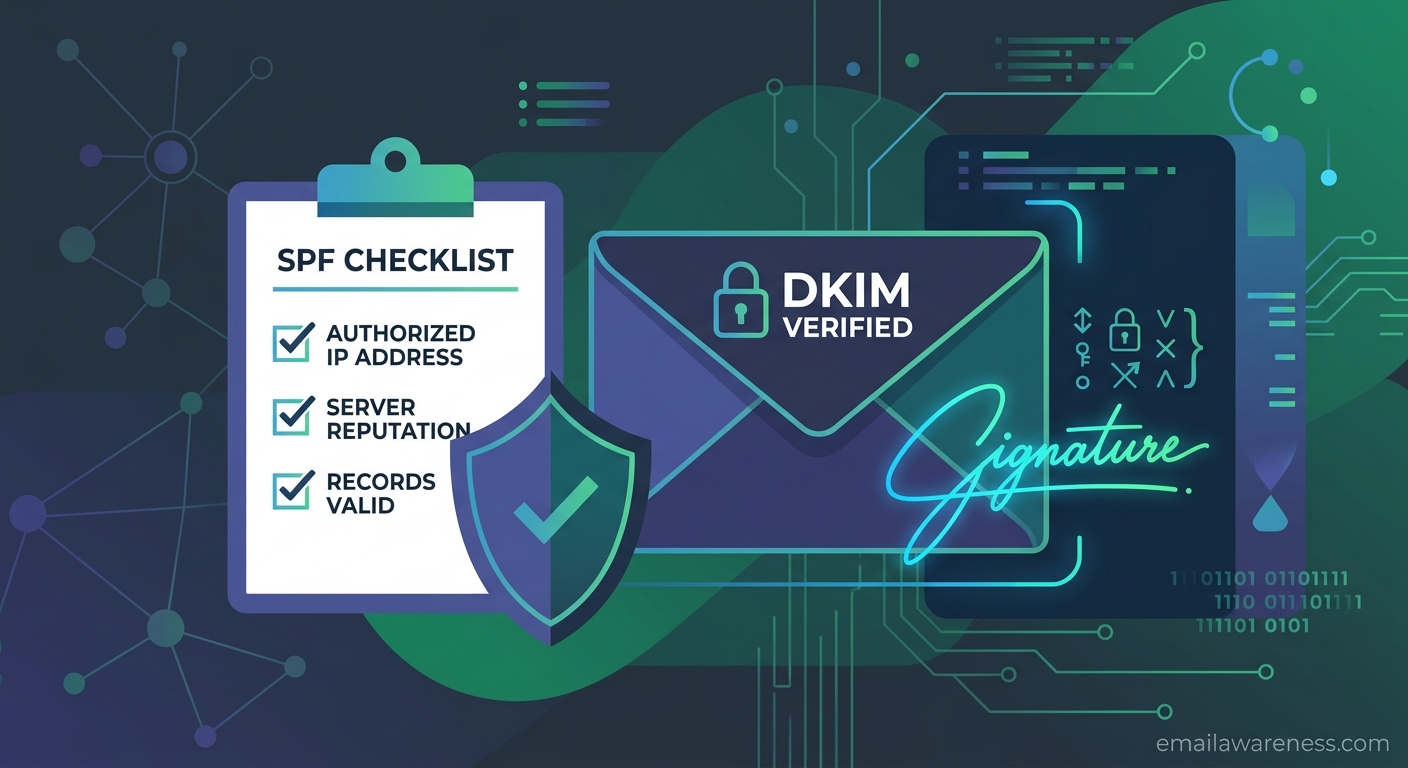
Before you can enforce DMARC, you need strong foundations. Those foundations are Sender Policy Framework (SPF) and DomainKeys Identified Mail (DKIM).
Sender Policy Framework (SPF)
SPF allows a domain owner to specify which IP addresses and services are authorized to send email on behalf of that domain.
You publish an SPF record as a TXT record in your DNS.
Example: v=spf1 ip4:192.0.2.0/24 include:_spf.google.com ~all
This record says: "Emails from my domain are allowed from the 192.0.2.0/24 network and any servers authorized by Google Workspace. Treat all others with suspicion."
DomainKeys Identified Mail (DKIM)
DKIM provides a mechanism to verify that an email was indeed sent from the claimed domain and hasn't been altered in transit. It achieves this using public-key cryptography.
- Your mail server signs outbound emails with a private key.
- The public key is published in your domain's DNS.
- Receiving servers pull the public key and verify the signature.
Real-World Implementation
The biggest challenge isn't syntax—it's visibility. Many IT admins don't realize how many services (marketing platforms, support desks, HR software) send email on their behalf.
To start, begin in "monitoring mode" using DMARC (p=none). This will generate reports showing every IP and service sending mail as you. You can then systematically configure SPF and DKIM for each valid service before eventually moving DMARC to p=quarantine or p=reject.